
Features
Everything you need to run your fair
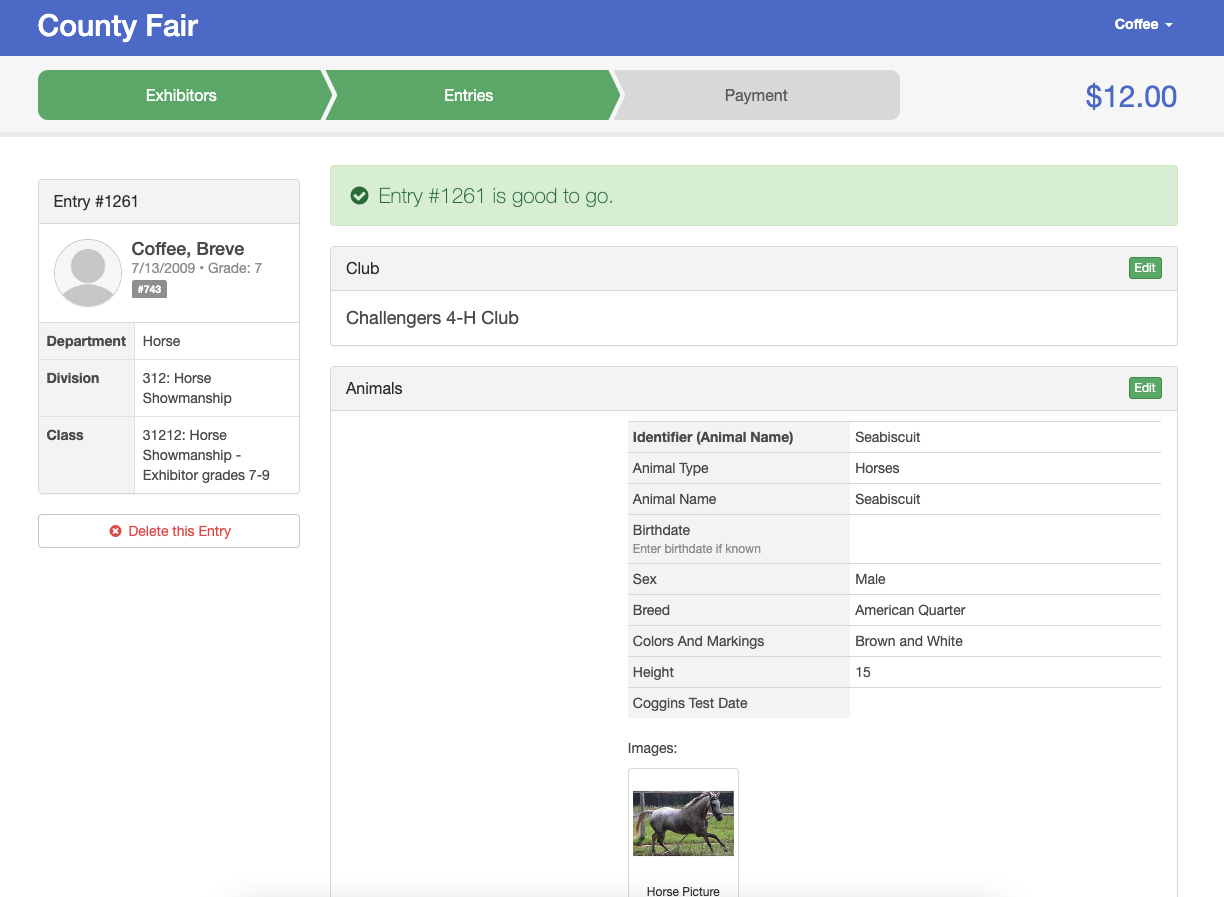
Online Registration
Exhibitors can register online using a friendly step-by-step process.
Since FairEntry is entirely online, there is no need to import the submitted registration data; submitted entries are available in real time!
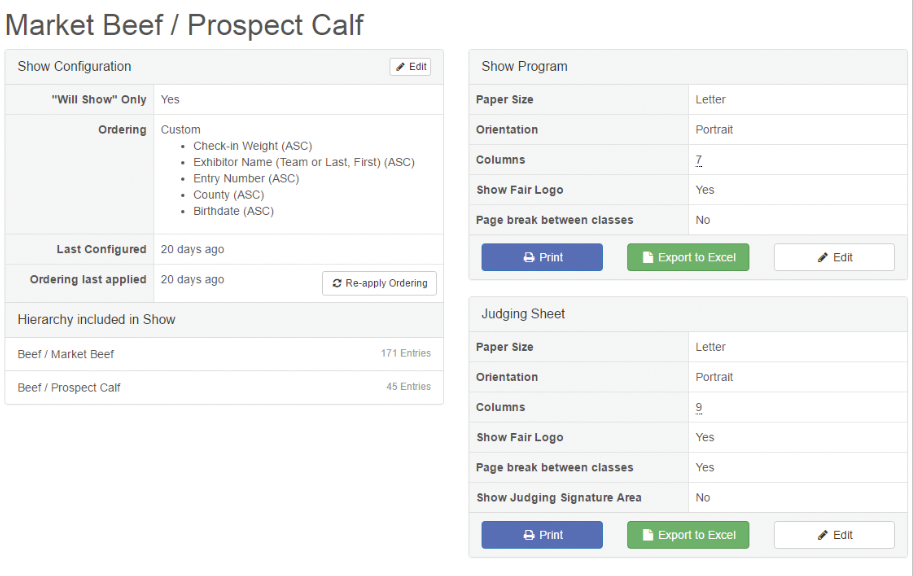
Custom Shows
Select multiple departments, divisions, or classes to include in a show. Sort the entries however you would like and quickly customize your show program and corresponding judging sheets to include only the information that is pertinent for that show.
NEW add your own championship lines to any area of the program. You determine the titles, order and placement.
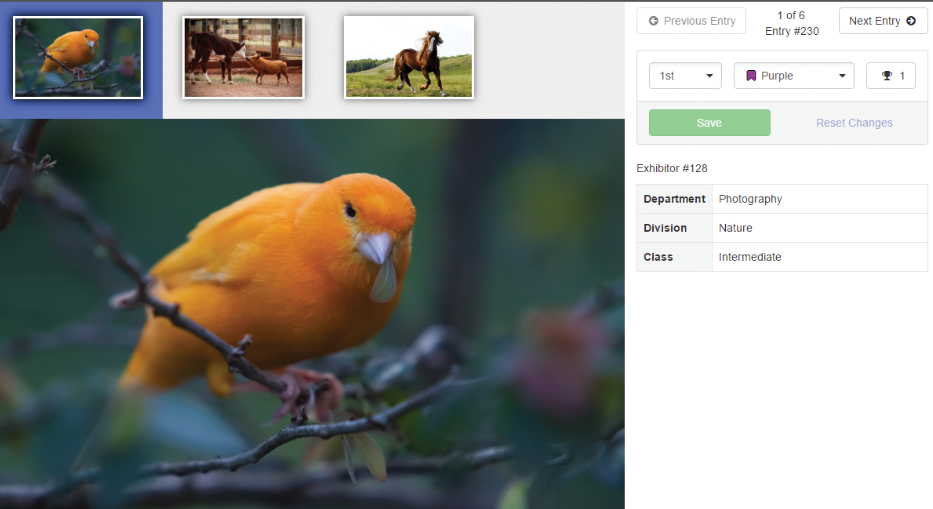
Photo Uploads and Judging
Exhibitors can upload photos or forms with their entries. Judges or Fair Managers can view these files on the entries as soon as they are submitted. Judges can even judge photo files on-line anywhere at any time using the Photo Judging tool built seamlessly in to FairEntry!
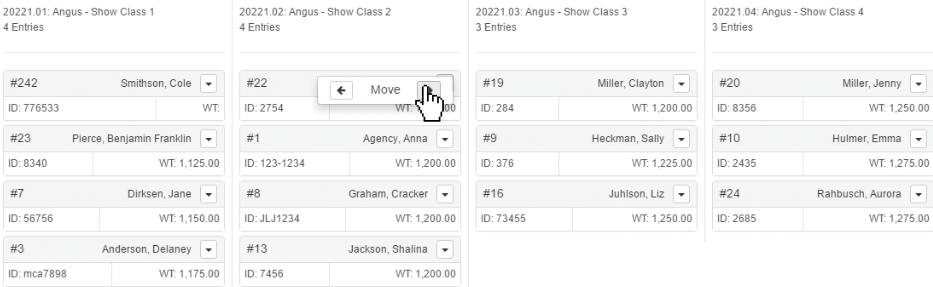
Class Breaks
The extensive class breaks tool allows you to break your large classes into more manageable sizes for judging and easily move entries between classes.
Break by Animal: Breed, Sex, Weight, Height, Birthdate.
Break by Exhibitor: Birthdate, Grade.
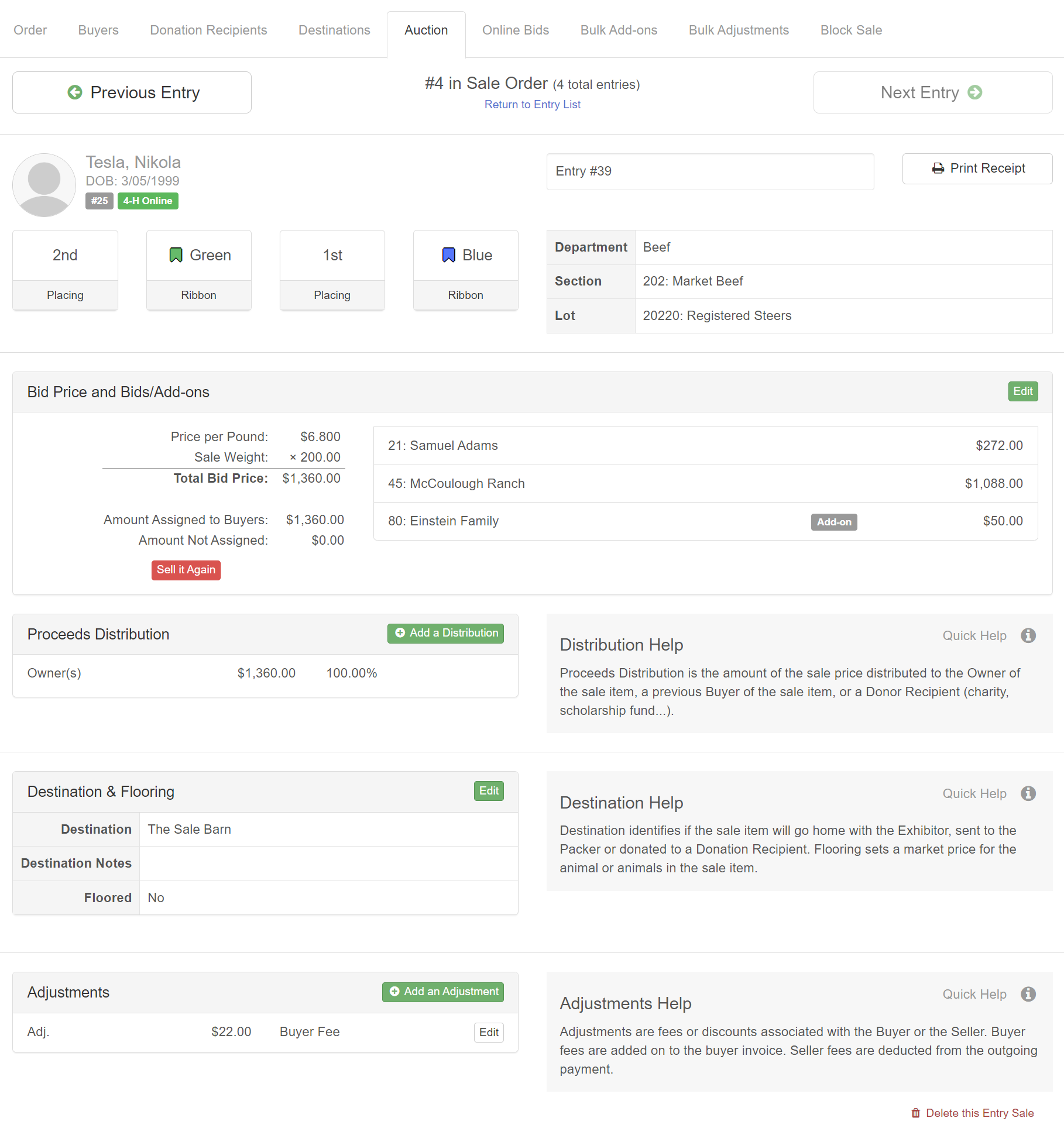
Sale / Auction
Set your sale order, add buyers and groups, then record entry sales with adjustments, flooring, and destinations. The auction tool is so easy to use, you can use it during your auction!
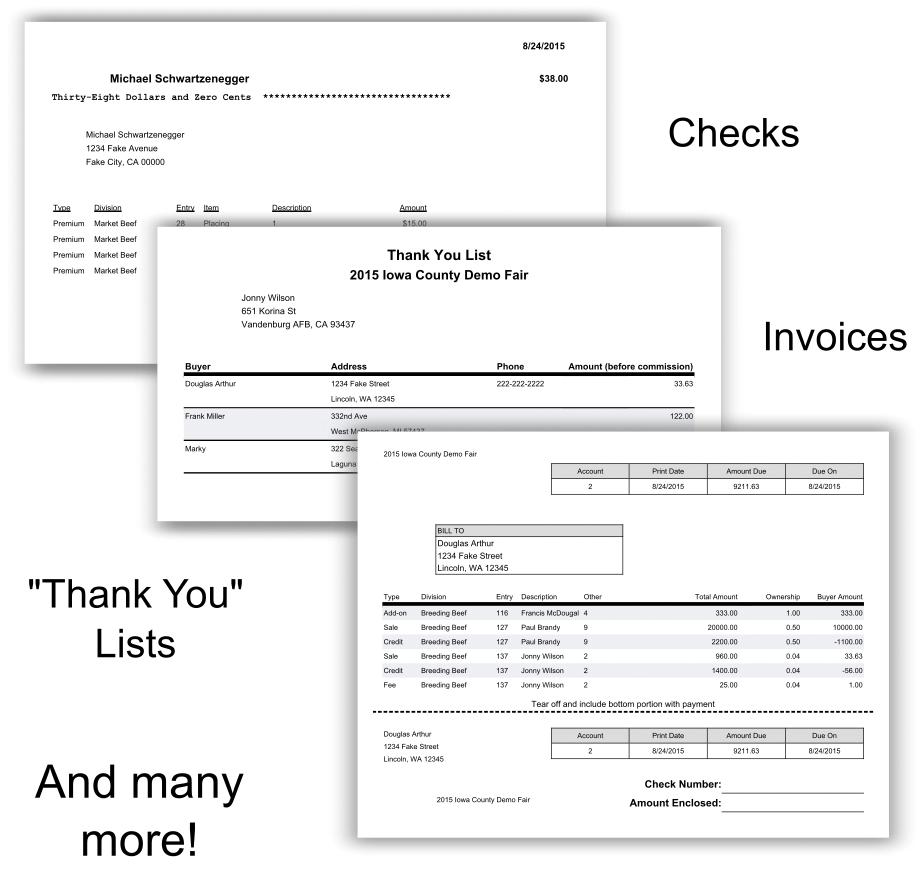
Standard Reports
Exhibitor back tags, entry cards, sale program, premium summary, packing list (and many more) have been created for you. All reports export to Excel and PDF.